AdsUp is a Google Ads management tool
AdsUp uses the Google Ads API to read campaign performance and to create, update, and pause Search and Performance Max campaigns on behalf of authenticated Google Ads account owners. Adsup Pro LLC (Wyoming, USA) is the data controller.
API usage
What AdsUp does with the Google Ads API
Every action is initiated by the authenticated end-user. AdsUp never touches Google Ads accounts that the user has not explicitly connected via OAuth.
Campaign creation
Create Search and Performance Max campaigns with budgets, bidding strategy, geo and language targeting.
Campaign management
Pause, resume, and adjust budgets, bidding strategy, ad groups, keywords, and negative keywords on existing campaigns.
Reporting
Read performance metrics (clicks, impressions, cost_micros, conversions) at customer, campaign, ad group, and keyword level using GAQL.
Supported campaign types
AdsUp supports creation and management of two Google Ads campaign types:
- ●Search — keyword-targeted text ads on Google Search.
- ●Performance Max — automated cross-channel campaigns using Google’s asset-based inventory.
We do not currently support Display, Shopping, Demand Gen, App, or Video campaigns. Support is added explicitly when each campaign type passes our internal Required Minimum Functionality review.
In product
What the Google Ads connection looks like
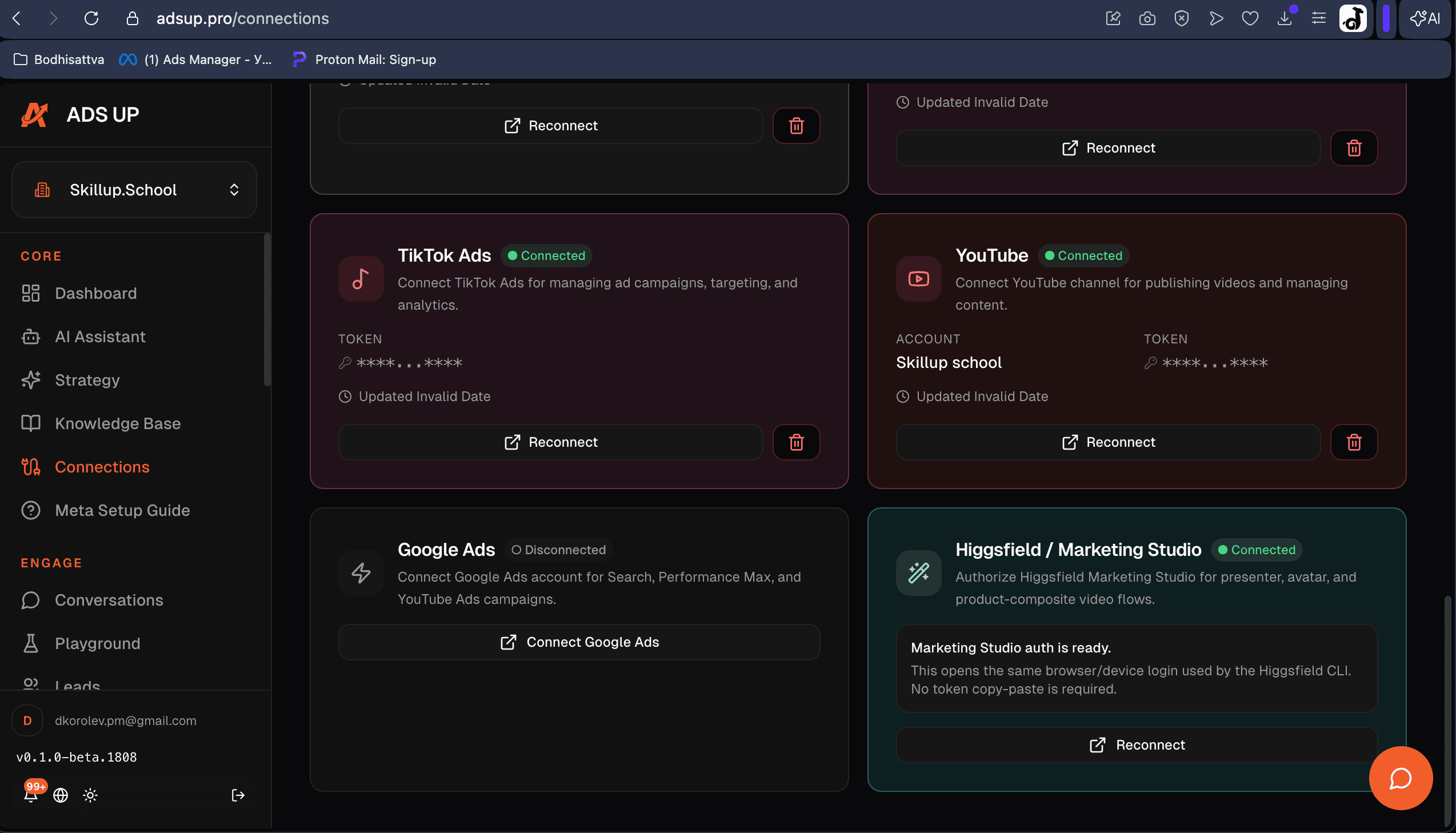
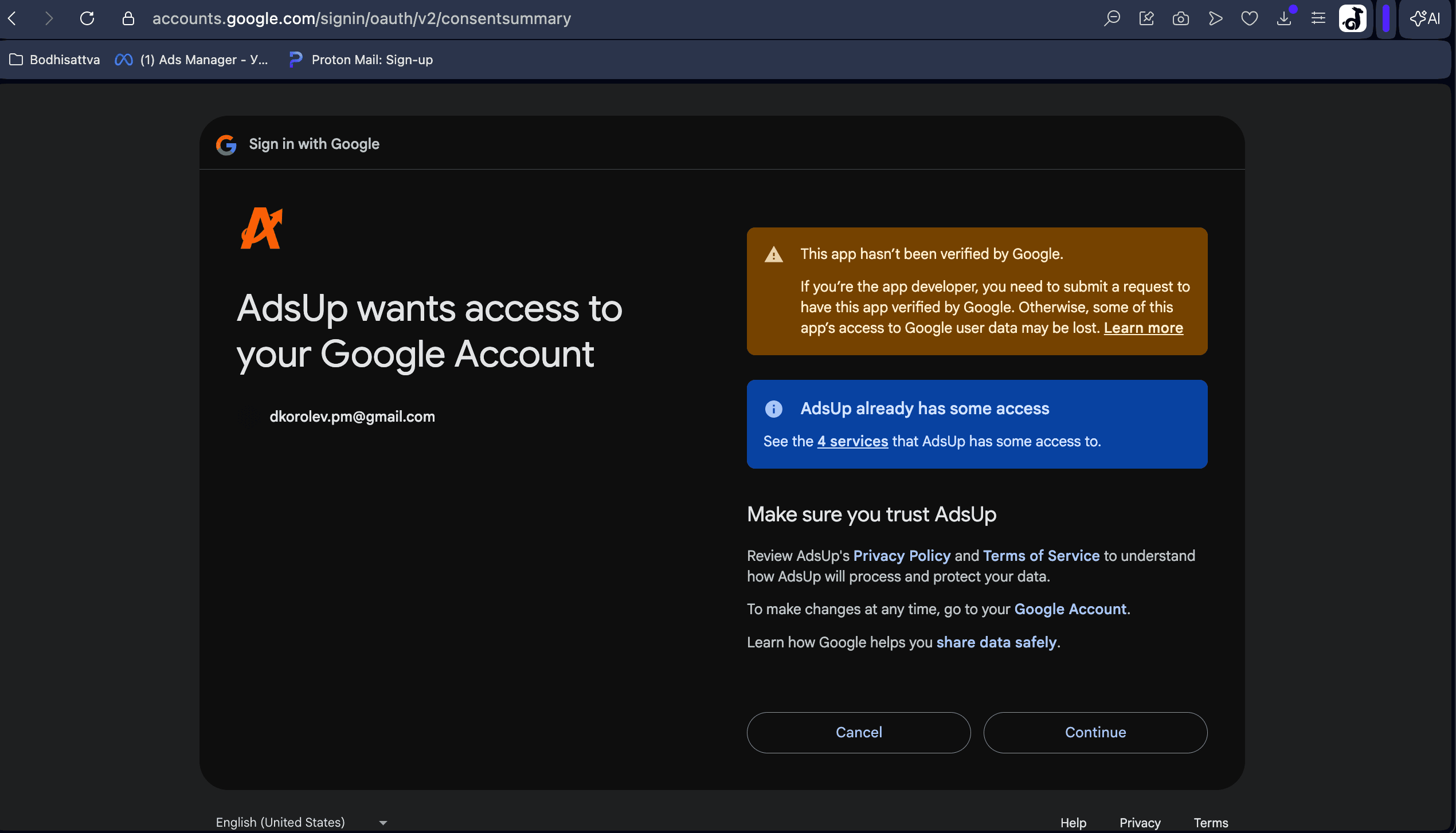
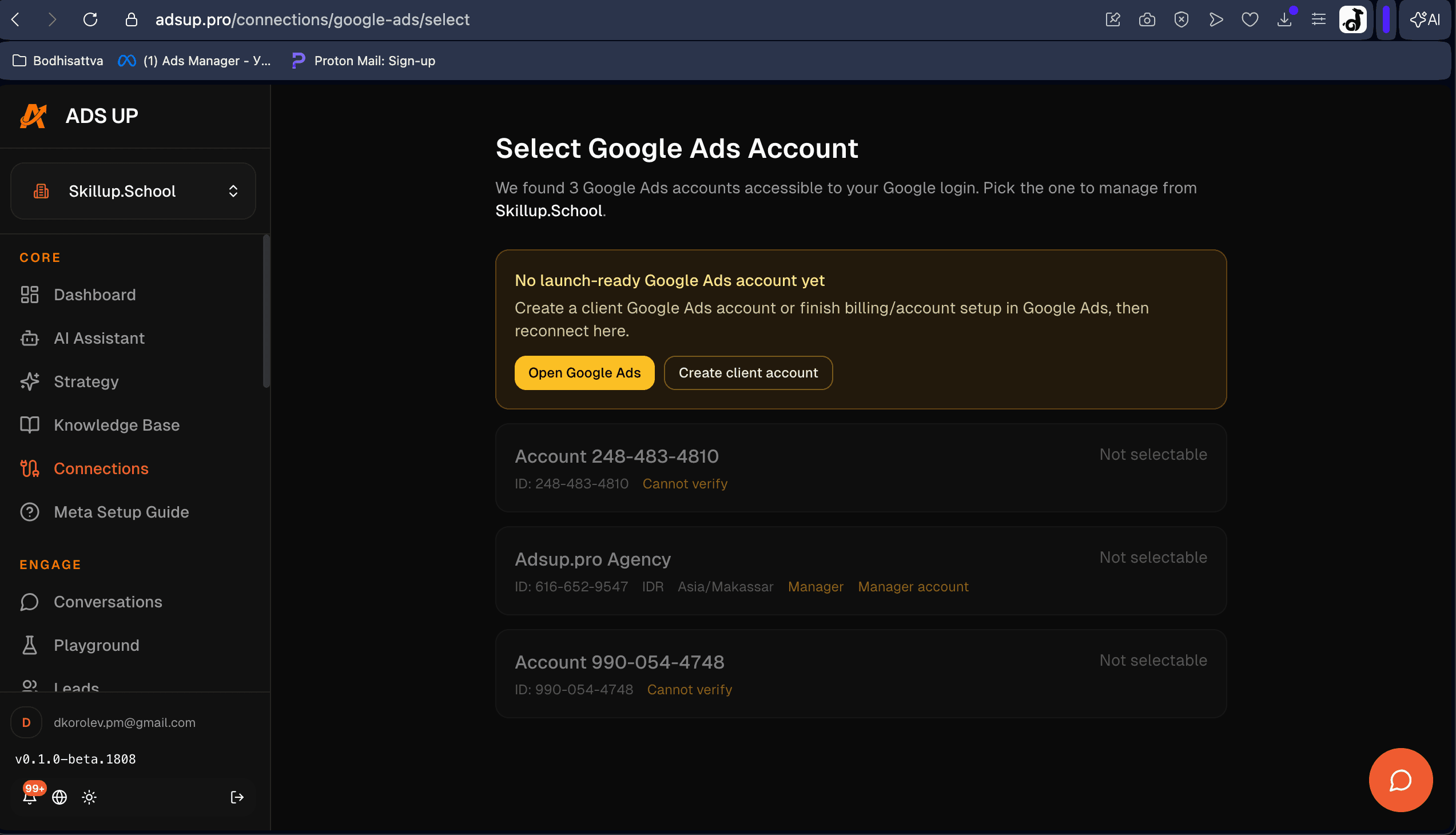
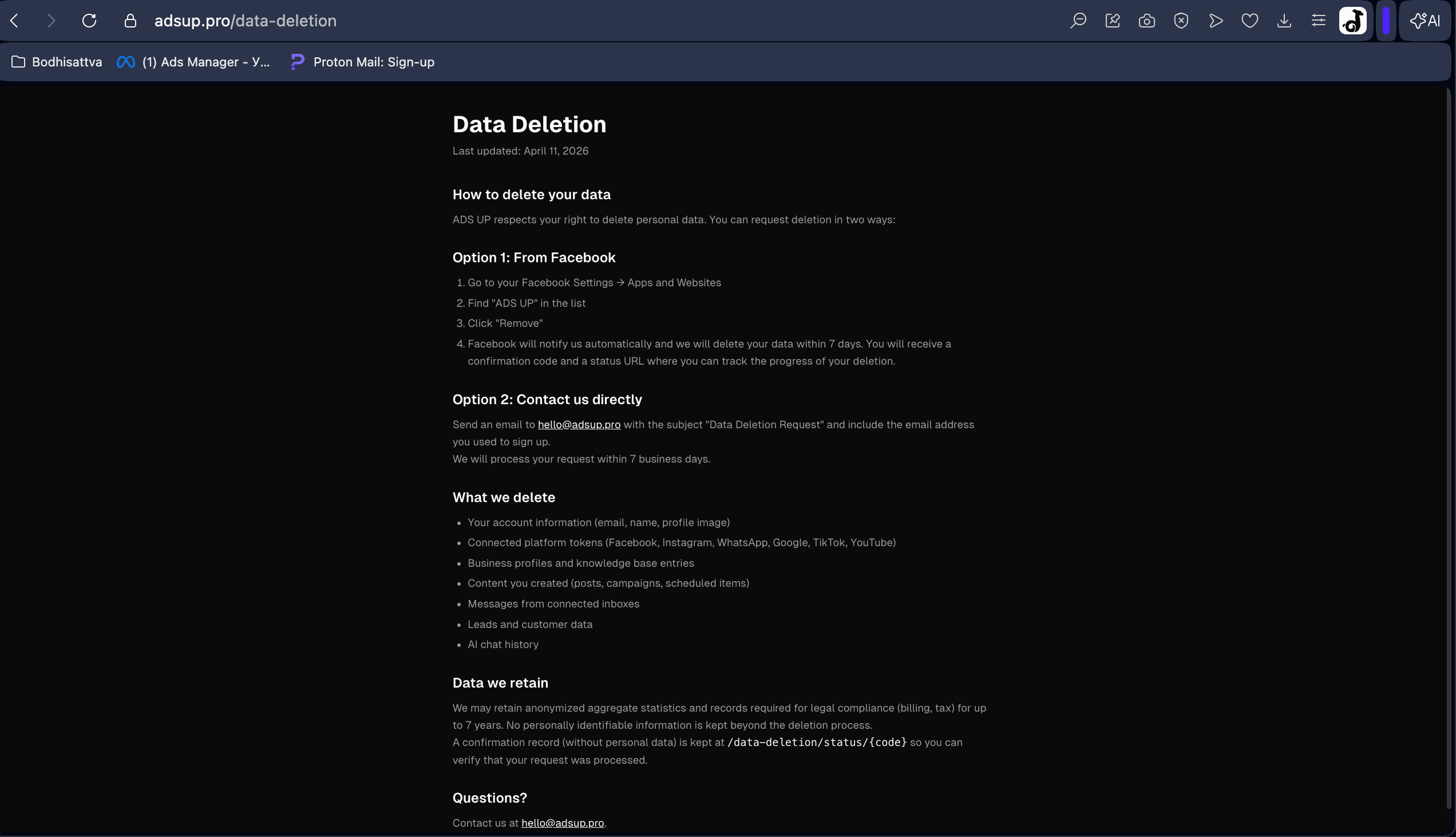
Screenshots from the live AdsUp application. The Connections page and Data Deletion page are publicly addressable; the Customer Picker and Consent Screen are part of the OAuth grant flow.
OAuth flow
How users connect their Google Ads account
AdsUp uses standard Google OAuth 2.0. The user is the one who grants access; we receive a scoped refresh token that we store encrypted.
- 1
Click “Connect Google Ads”
From the Connections page inside AdsUp, the user clicks the Google Ads card.
- 2
Google OAuth consent
Google shows the consent screen with the AdsUp app name and the requested scope: https://www.googleapis.com/auth/adwords.
- 3
Pick a Google Ads customer
After consent, AdsUp lists the Google Ads customer accounts the user has access to. The user selects which account to manage.
- 4
Use in the product
The connected account appears as “Connected”. AdsUp can now create, manage, and report on campaigns. The user can disconnect at any time — we call Google’s token revocation endpoint and remove the encrypted token from our database.
Data handling
How AdsUp stores and protects Google data
OAuth refresh tokens encrypted at rest
AES-256-GCM encryption. Tokens are decrypted only in-process at request time.
Scoped access
AdsUp only reads or writes data for the Google Ads customer the user explicitly selected. Other customer accounts are never touched.
Self-serve disconnect & deletion
Disconnect from the Connections page revokes the OAuth token with Google and removes the token row. Full account deletion is available at /data-deletion.
Policy disclosures
Compliance with the Google Ads API Policy
Disclosures required by support.google.com/adspolicy/answer/6169371.
Reporting cadence
Google Ads performance data shown inside AdsUp is refreshed within 24 hours of the last completed Google Ads reporting window. Real-time figures (e.g. spend in the last hour) can differ from Google Ads native reporting until the next refresh completes.
Client data handling
AdsUp does not sell, redistribute, sub-license, or otherwise disclose data specific to a user’s Google Ads account to third parties. Aggregated, anonymized metrics may be used to improve the AdsUp product. Each user remains the sole administrator of their own Google Ads account; AdsUp acts only on instructions initiated by that user.
No replication of Google Ads UI
AdsUp does not copy, mirror, or replicate the Google Ads user interface. All in-product surfaces use the AdsUp brand and a conversational chat layer purpose-built for small and medium-sized businesses.
Users do not need their own developer token
AdsUp’s developer token, MCC, and OAuth client are used to serve all end-users. Users do not need to apply for their own Google Ads API token. They retain full ownership of their Google Ads account credentials and may revoke AdsUp’s access at any time from the Connections page or from myaccount.google.com/permissions.
Questions about our Google Ads integration?
For API-related questions, reviewer access, or compliance inquiries:
daniel@adsup.proAdsup Pro LLC · 30 N Gould St Ste N, Sheridan, WY 82801, USA